Spend
on purpose.
The emotional spending tracker for women.
A 60-second check-in at checkout. Notice what’s driving the purchase, then decide.
Created by Jessica Reis, LMFT and Certified Sex + Financial Therapist.
Free for desktop Chrome. On your phone? Open this website on your computer to install.
Add Chrome ExtensionCheckout Check-In
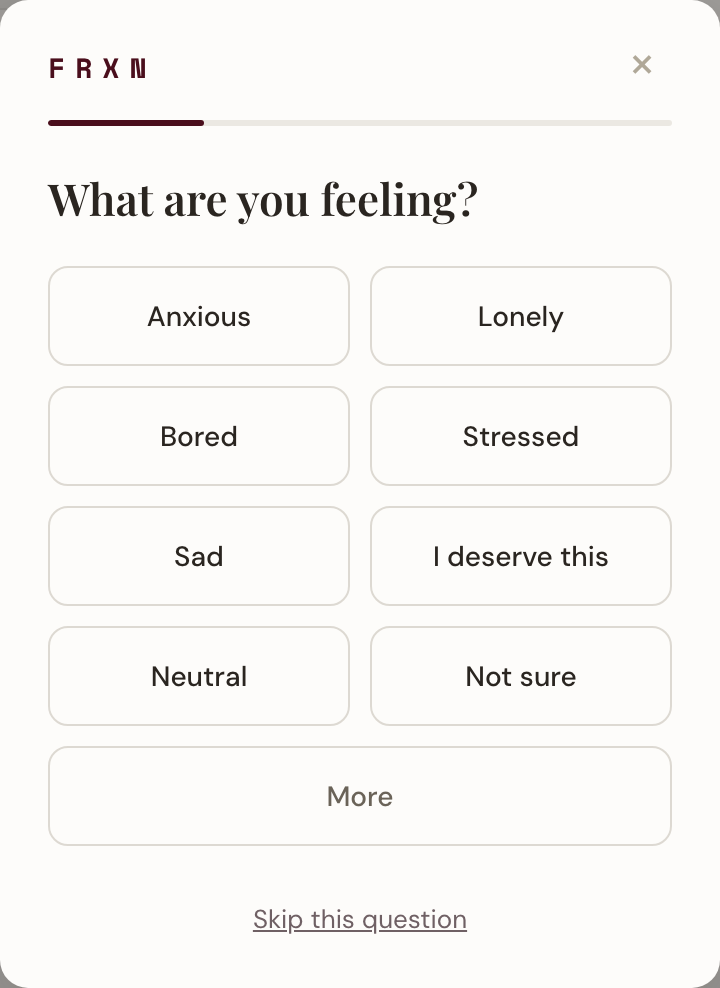
A moment before you buy.
Notice. Name the feeling, the trigger, and what you feel in your body.
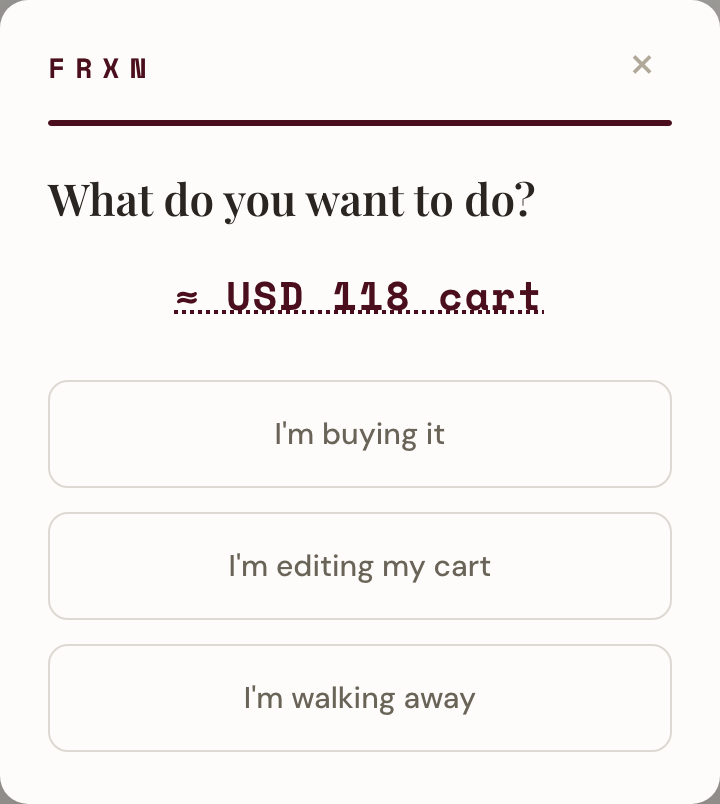
Choose. Buy it, change your cart, or walk away. The decision is yours.
Planned purchase? One click clears it. Every check-in question is optional.
Product preview · Sample data.
Your Next Move
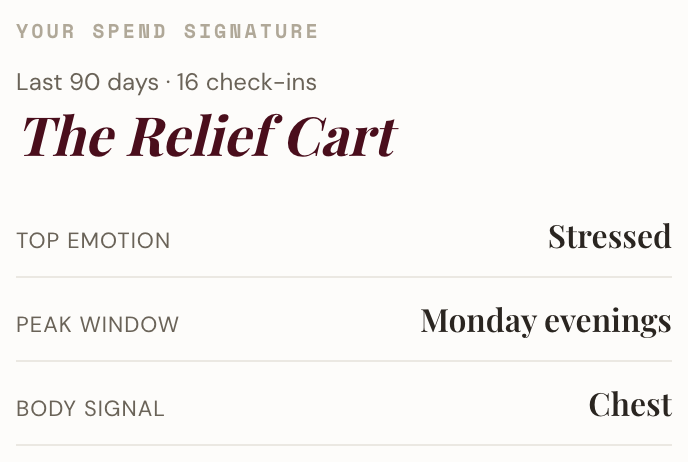
See your spending patterns.
Your Spend Signature brings recurring feelings, triggers, and shopping habits into focus.
It takes shape after 10 completed check-ins and reflects your last 90 days.
Skipped or uncertain answers stay that way. Your signature reflects what you actually shared.
Product preview · Sample data.
Spend Signature
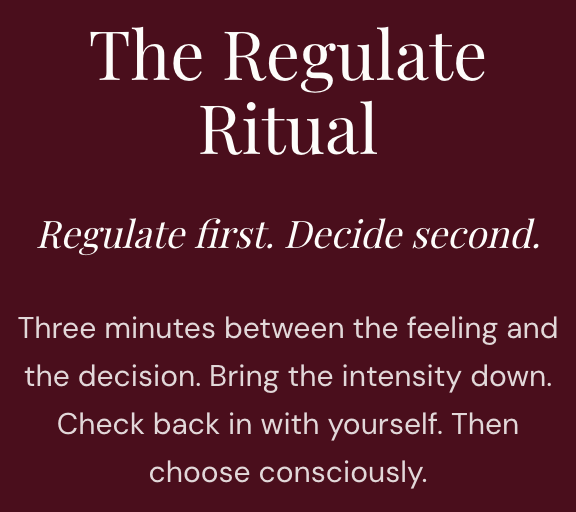
Make room for a different choice.
The Regulate Ritual
Take a few minutes to work through a feeling before deciding.
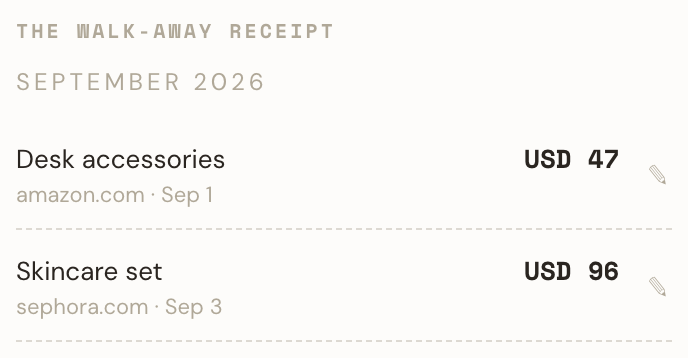
The Walk-Away Receipt
Revisit purchases you left behind and their recorded cart values.
Learn
Explore spending, credit, and money conversations. A new article each week.
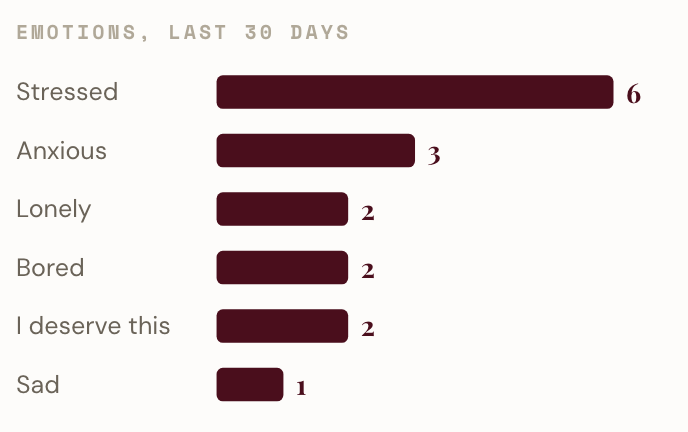
Your dashboard and 30-day emotion chart help you see what keeps showing up.
Product preview · Sample data. Cart values are not verified savings.
Regulate Ritual
Walk-Away Receipt
Learn

Your emotion chart
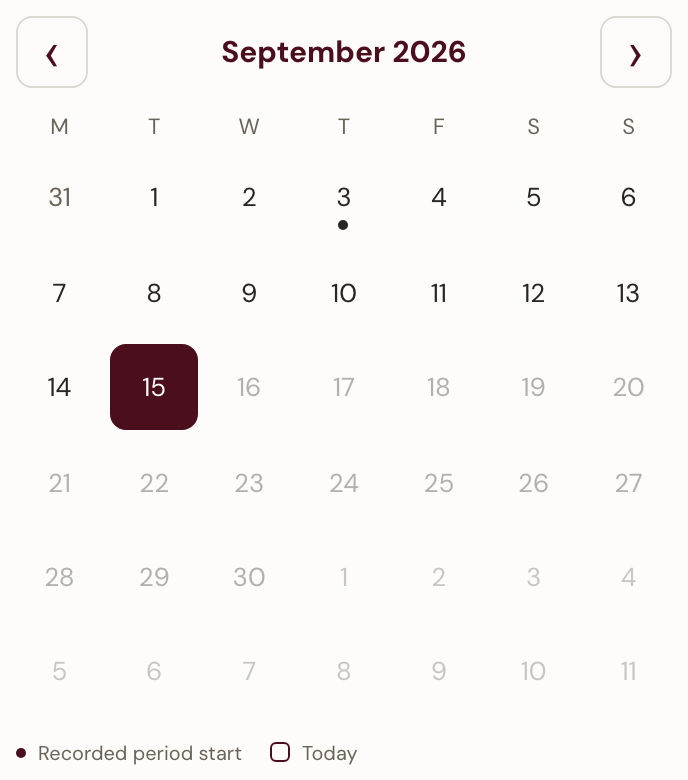
Track your cycle alongside your spending.
Optional. Private. Off by default.
Record period starts and see the days since your latest start. Phase estimates are a separate opt-in. Details in the FAQ.
Product preview · Sample data.
Cycle Tracking
A few practical questions.
Where does FRXN work?
FRXN works in Chrome on desktop and laptop computers, at checkout on 360+ supported retailers.
For another store, open FRXN Settings and choose Add current site as a store. Chrome asks permission for that site.
Already planned it?
One click clears a planned purchase. If you’re less certain, take the check-in. You can skip any question.
Is FRXN free?
Yes. FRXN is free, with no account required. Turn it off anytime in Chrome’s Extensions settings.
How does cycle tracking work?
It’s optional and off by default. Phase estimates are a separate opt-in and pause after your usual cycle length until you record a new start.
Turning tracking off hides the calendar. Delete cycle data removes its dates and settings without removing spending records.
FRXN does not link cycle phases to spending. Estimates do not confirm ovulation and are not for pregnancy prevention.
Your record stays yours.
Check-ins and optional cycle records stay on your device.
FRXN does not receive them.
Export your check-ins, save a backup, or erase your records in Settings.
You choose what to share.